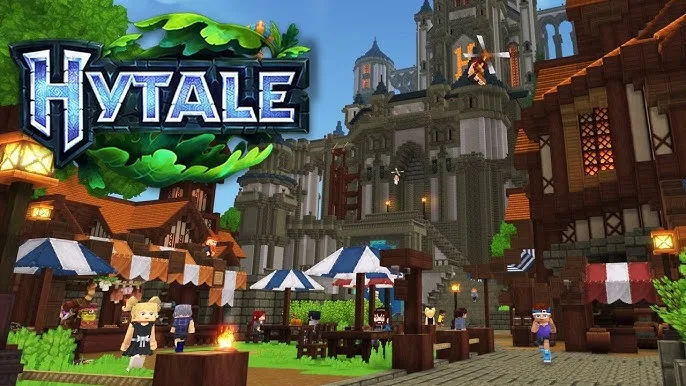
Hytale and the Building Bottleneck: Deep Dive into Blueprint-Driven Construction Workflow Friction Why Blueprint Thinking Matters in Hytale
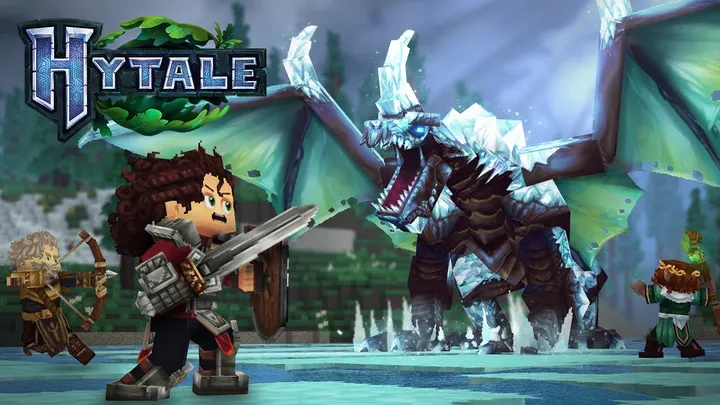
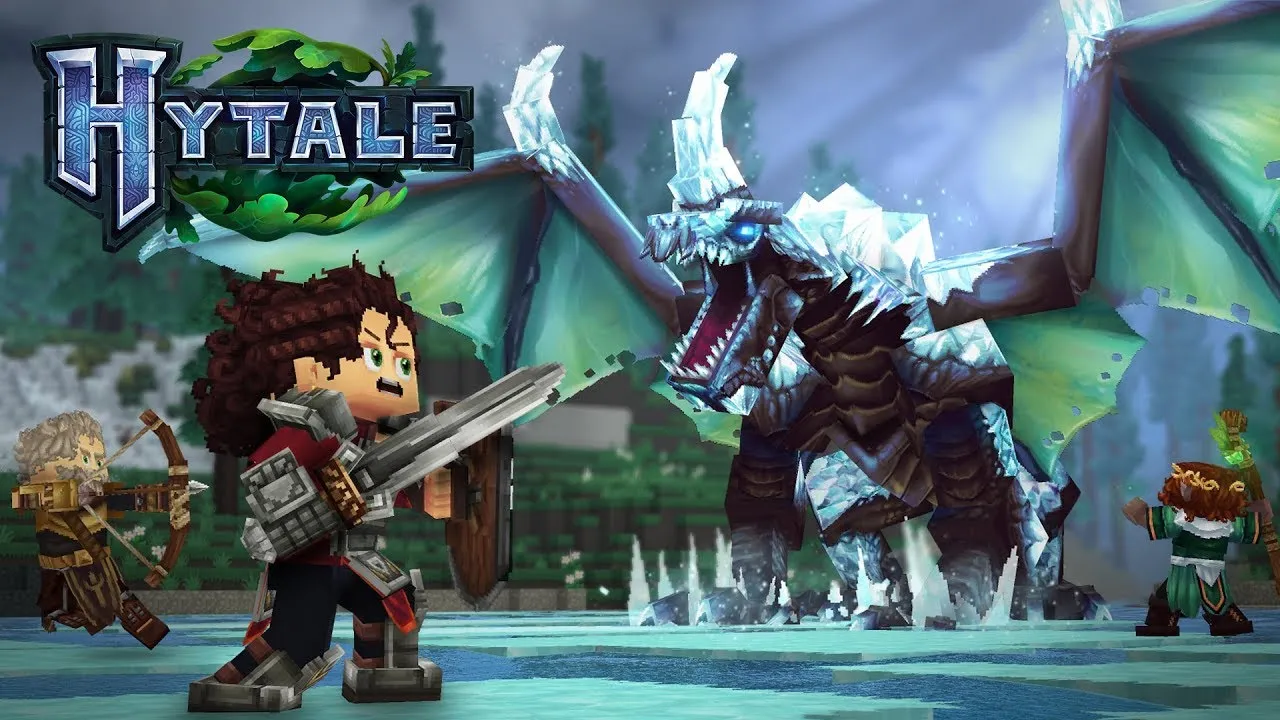
Blueprint thinking is the difference between “I built something” and “I can keep building the same thing tomorrow without restarting from scratch.” In Hytale, the building experience often encourages exploration and creativity, but large-scale builds demand repeatability: consistent spacing, mirrored elements, predictable materials, and reliable decoration density.
The blueprint problem shows up most when you do not have a stable reference for your intended layout. Even if you have screenshots, memory, or notes, your hands are still working in 3D space. Small misalignments compound. A wall tile that is off by one block seems minor—until it becomes the reason your staircase no longer lands where you intended.
So the specific issue is not “building is hard.” The issue is: without stable reapplication of layout intent, iteration becomes expensive, and that cost changes how players plan, collaborate, and stay motivated.
What “Blueprint” Really Means Here
In everyday player language, “blueprint” can mean a formal tool, a schematic, a saved plan, or even an internal mental model with strict constraints. In practice, the most important part is that blueprint thinking answers four questions:
- Where exactly do elements go?
- What rules define spacing and alignment?
- What can change without breaking the whole design?
- How do you verify correctness after hours have passed?
The Hidden Cost of Not Answering These
If you cannot answer these early, you tend to “discover” structure while placing it. That discovery phase is fun for small builds, but it becomes a loop of testing and fixing for larger ones—especially after you step away and return.
When that loop happens repeatedly, players often shift away from ambitious projects. Not because they lose skill, but because the build process stops rewarding them quickly enough.
Stage One Planning: The First Blueprint Failure
Many blueprint problems begin at the planning stage, long before players place their first wall. The failure mode is subtle: the initial plan is too vague to be executable, but too committed to be abandoned. Players promise themselves they will “figure it out in build mode.” That works for a while—until it doesn’t.
In Hytale, you might decide you want a tower, a bridge, and a courtyard. But without converting that vision into a spatial system—axes, modules, and reference points—you end up rebuilding intent through trial placement. This is where blueprint thinking becomes a workflow requirement, not a preference.
Executable Plans Versus Beautiful Ideas
Beautiful ideas have aesthetic goals. Executable plans have constraints. A plan that is executable can be checked. A plan that is only aesthetic must be interpreted again each time you return to the build.
For example, a decorative facade might look symmetrical in a screenshot, but in 3D, symmetry requires consistent anchor points. Without a shared anchor system, you end up re-evaluating the facade every session.
Three Common Planning Gaps
- No spatial grid: you cannot guarantee consistent spacing.
- No module boundaries: you cannot isolate sections for later editing.
- No stop rules: you lack criteria for when a section is done.
Each gap increases the probability that your later construction steps will not match your earlier intent. The more time you spend in the build, the more costly that mismatch becomes.
Stage Two Construction: Rework from Layout Drift
Layout drift is the specific phenomenon where parts placed later no longer align with parts placed earlier. The drift might be small at first—one block here, a slightly different stair angle there—but the emotional impact is bigger than the physical error because drift breaks the flow state.
When you have blueprint-like reference stability, you can place confidently. When you do not, each placement becomes a micro-check. Micro-checking can be mentally exhausting, and it slows placement speed. Slow speed means you run less often to new ideas, and you spend more time correcting mistakes.
How Drift Accumulates
Drift accumulates through three channels:
- Perspective bias: what looks aligned from one angle may not be aligned from another.
- Material layering: aesthetic choices (depth, trims, overhangs) often expand or compress dimensions.
- Session interruption: when you return later, you recreate your mental model imperfectly.
Decoration Makes It Worse
Decoration is where players often exceed the rules of their original plan. A trim might be intended as a thin accent, but after you add it once, you decide it should be thicker everywhere. Now your interior geometry must accommodate it, and your windows no longer fit. The build becomes a chain reaction.
Blueprint-driven workflows help here because they make decoration part of a parameterized system rather than an ad hoc addition.
Stage Three Iteration: Why Editing Feels Like Starting Over
Iteration is one of the most important parts of any creative game. But in blueprint-friction situations, iteration starts to feel like starting over. You fix a section, then you notice that the neighboring section needs adjustment, then the entry path no longer matches, and suddenly the build is in constant repair mode.
This can happen even when players are skilled and thoughtful. The problem is structural: if the blueprint intent is not reusable, every fix changes the meaning of earlier work. Without a stable reference, editing becomes a cascade.
Two Styles of Iteration
There are two very different iteration styles:
- Blueprint iteration: you change parameters (like window width) and propagate the same rules across the build.
- Ad hoc iteration: you correct errors as they appear, often with human judgment replacing a formal constraint system.
Blueprint iteration is faster and less stressful. Ad hoc iteration can be exciting early, but it becomes heavy once the build grows.
The Motivation Impact
When iteration feels like starting over, players often develop risk aversion. They stop trying bold changes because the cost feels unpredictable. That risk aversion reduces experimentation—and experimentation is what makes building inspiring in the first place.
So this issue is not merely technical. It is motivational design in disguise.
Stage Four Collaboration: Blueprint Mismatch Between Players
Collaboration in a building game introduces another layer of blueprint friction: different players interpret the same plan differently. Even if two builders share a concept, their placement habits vary. One player may prefer thicker walls, another may prefer more exposed trims. Unless roles and reference rules are aligned, the build becomes a negotiation.
In a collaboration scenario, blueprint stability matters even more. You need a shared source of truth, or everyone ends up working from fragments. This does not mean collaboration is impossible. It means you must design the workflow like a distributed system: clear ownership, consistent interfaces, and review gates.
Common Collaboration Failure Modes
- Unlabeled sections: no one knows which parts are approved versus under construction.
- Different coordinate mental models: mirror placements are slightly off.
- Material drift: close enough substitutions accumulate visibly.
Blueprint Interfaces: A Practical Fix
Blueprint interfaces are boundaries where collaboration can happen safely. Instead of handing a partner an entire facade, you hand them a module with defined inputs and outputs: height, width, door openings, and trim depth. That way, the partner’s work can be integrated without rework.
In other words, collaboration succeeds when each builder can trust the constraints.
Stage Five Long-Term Upkeep: The Hidden Blueprint Problem
Most players imagine blueprint problems during construction. But long-term upkeep reveals the bottleneck even more clearly. Over time, builds evolve due to new resources, new styles, or new inspiration. Without a blueprint-driven approach, every change causes a subtle mismatch with older sections.
Upkeep is where the cost of drift becomes visible. If you want to add a wing, remodel a hallway, or replace a roof section, you must first determine how the original build was intended to work. Without stable references, you need to reverse-engineer your own design.
Upkeep Reverse-Engineering
Reverse-engineering happens when you cannot remember why something was built a certain way. You may not know which dimension is true. You may not know whether a spacing choice was deliberate or an early mistake you corrected later.
This is why blueprint systems—whether formal or informal—must include documentation habits. Documentation is not about bureaucracy. It is about protecting your future creative capacity.
Practical Upkeep Checks
- Verify key anchor points before changing decoration.
- Track module boundaries so additions do not sprawl.
- Keep a consistent material palette to reduce drift.
These checks help you avoid the why does this hallway look wrong now spiral.
Stage Six Review Loops: Building a Faster Self-Correction System
A powerful mitigation strategy for blueprint friction is establishing review loops. A review loop is a short, repeatable process you run at set intervals—like after finishing a floor, after adding a major decorative layer, or after a building session ends.
Review loops work because they transform mistakes from a late discovery into an early, manageable correction. Without review loops, you only discover drift when it becomes visually dramatic or functionally broken.
A Simple Review Loop You Can Use
Here is a pragmatic loop that does not require special tooling:
- Anchor sweep: check alignment against major corners and reference points.
- Module check: ensure module boundaries still match the plan.
- Decoration restraint: confirm trims have not altered structural dimensions.
Time Boxing and Mental Reset
Time boxing prevents the build from turning into endless micro-fixing. For example: decide you will only do structural corrections within your anchor sweep step. Everything else gets deferred. That way, you maintain progress while catching errors early.
Mental reset matters too. A player who ends a session with a clear review state returns more confidently the next day, reducing perspective bias.
Stage Seven Blueprint-Compatible Build Patterns
Blueprint compatibility is not only about documentation—it is also about design patterns. Certain build patterns make it easier to maintain alignment, integrate new modules, and preserve visual consistency. This is where you can design around workflow limitations.
In practice, blueprint-compatible patterns often rely on modularity. Modules reduce the need to re-check the entire structure after each edit. You can treat your build like a set of interlocking parts with rules.
Four Patterns That Reduce Drift
- Tile-based walls: keep a consistent unit scale for width and height.
- Mirrored templates: build one side carefully, then mirror with strict boundaries.
- Decoration layers: separate structural blocks from trims, so decoration does not disturb geometry.
- Replaceable roofs: treat roof sections as detachable modules.
How Patterns Change Your Experience
These patterns reduce the number of global problems. Instead of fixing everything, you fix a module. That shift improves pacing and makes iteration feel safe again.
Blueprint-compatible design also improves collaboration, because a module with clear rules is easier to hand off.
Stage Eight Community Workflows: What Players Actually Do
Even without formal blueprint tools, many communities develop their own workflow ecosystems. Some players share schematics in text form. Others share reference screenshots. Some create video walkthroughs that function like blueprints. Community workflows fill the reapplication gap by making intent portable.
This issue remains specific to building drift and workflow friction, but community practices can alleviate it if they are used consistently. The key is turning inspiration assets into construction assets.
Turning Inspiration into Construction Inputs
Inspiration is not enough. A good reference lets you measure and recreate. Players who share useful build info typically include:
- Angle diversity: at least front and side references.
- Scale cues: dimensions, approximate unit counts, or recognizable anchors.
- Sectioning: how the build is broken into modules.
Reviewing Shared References
When you import community references into your own build, you still need review loops. Otherwise, you risk misunderstanding a trim depth or misreading a spacing. References reduce effort, but they do not remove the need for verification.
This is why the review-loop approach remains the backbone: it converts references into reliable execution.
Stage Nine The Takeaway: Blueprint Friction Is a Game Feel Issue
The specific issue we explored is blueprint-driven construction friction: the difficulty of maintaining consistent intent across sessions, edits, and collaboration. This friction creates layout drift, expensive rework, and motivation loss. It changes how quickly players can iterate, and it subtly limits ambition.
When blueprint intent is stable, construction feels like progression. When it is unstable, construction feels like correction. That difference is the essence of why this topic matters deeply for Hytale building experiences.
What You Can Do Tomorrow
- Define anchor points and module boundaries before you expand beyond small builds.
- Separate structural layers from decoration layers so edits do not cascade.
- Use a short review loop at the end of each session.
- If collaborating, assign module ownership and require module-level interfaces.
- Document key dimensions so you do not reverse-engineer later.
Why This Restores Creativity
These practices reduce the cognitive load of building. When you are not constantly checking alignment, you free up mental energy for aesthetics and exploration. Building becomes a creative flow again rather than a maintenance chore.
In a sandbox, the best feature is not only the freedom to create. It is the freedom to continue creating without paying an unreasonable penalty each time you edit.
Conclusion
Hytale’s building appeal is built on the joy of transforming imagination into structures. But large-scale building uncovers a specific workflow bottleneck: blueprint-driven construction friction. Without stable, reusable layout intent, players experience layout drift, expensive rework, and motivation decay. This issue surfaces from early planning mistakes through mid-build drift, collaboration mismatch, and long-term upkeep reverse-engineering.
The good news is that this problem is manageable. By adopting modular design patterns, enforcing decoration restraint, setting anchor points, and running consistent review loops, players can reduce drift and make iteration feel incremental rather than catastrophic. In collaboration, blueprint-compatible module interfaces turn coordination into a reliable system. Over time, documentation habits protect future creativity.
Ultimately, blueprint friction is not just a technical inconvenience. It is a game feel issue that determines whether building is a journey or a tax. The right workflow turns your builds into living projects you can grow with confidence.